Childcare, coordinated.
Bring your children’s schedules and the people who care for them into one shared plan.
More about the shared plan
See what needs attention, and work out the next step together.
Programs, caregiver time, child activities, and parents’ plans share the same Schedule.
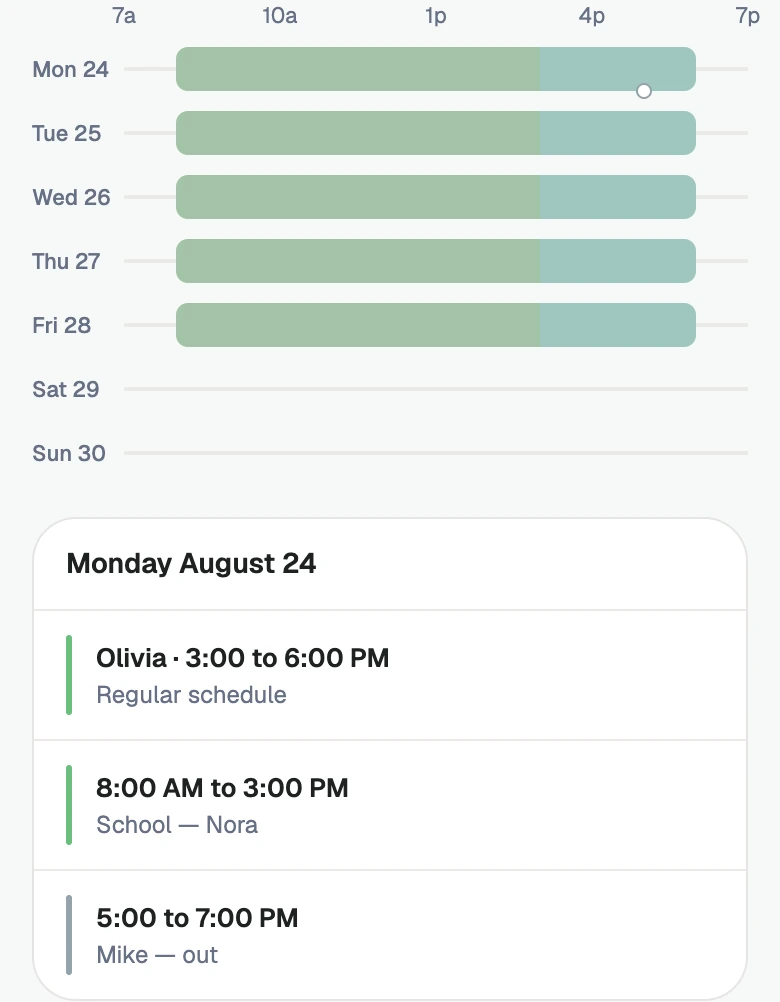
Start with your usual week.
Add the usual school, daycare, and caregiver hours.
More about the usual week
Open Family and add each child.
Add a caregiver, then set their recurring days and hours. Use Invite family member for your partner or caregiver; choose the right role.
Tap + → Daycare, school, or program. Choose the children, days and hours. Add aftercare where it belongs.
Plans change. Start here.
Four ways to add to your plan.
CalendarAdd directly on the Milava calendar.
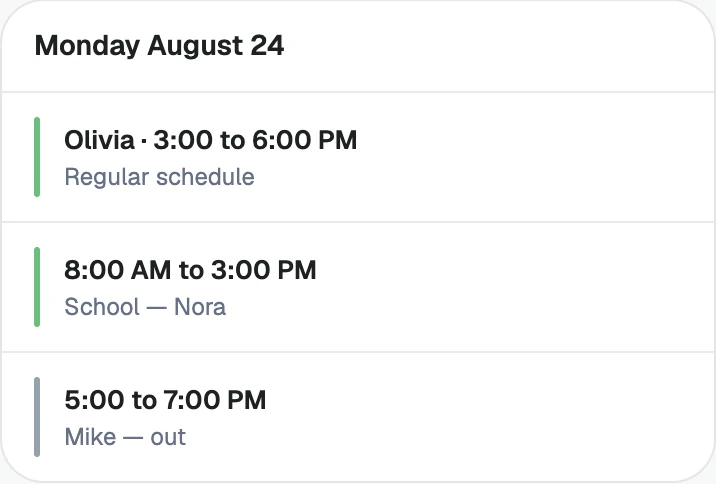
Open Schedule and tap the day’s card. Add something with that date filled in, or open an existing item to change it.
For a repeating plan, check whether you are changing one date or the recurring schedule.
Add activitiesCaregiver time, activities, school or daycare, all from the + button.
Use + for caregiver time, days off, a child activity, daycare or school, and parents’ plans. Set a single date or the recurring days offered by that editor.
Pickup & Dropoff lives inside the activity or program editor. Name the person, time and handoff details there.
Ask MilavaSay it in your own words.
Try “Olivia off Friday.” Read the proposed date, person and hours in the preview, then confirm. Nothing is added until you do.
Plain-words adds and questions share your household’s monthly allowance.
TextAdd directly by text message.
With Premium, verify your US mobile number in Milava. Then text a future caregiver shift, day off or sick day, change the hours on a day, or remove a day you added. Send it to the Milava number that messages you.
Reply VERIFY with the code within 10 minutes to finish setup. Text MENU for examples of adding care, changing hours or removing a day. Use one future date within 90 days. Read the preview, then reply CONFIRM within 10 minutes to apply it, or NO to discard. Use the app for recurring plans, activities and pickups.
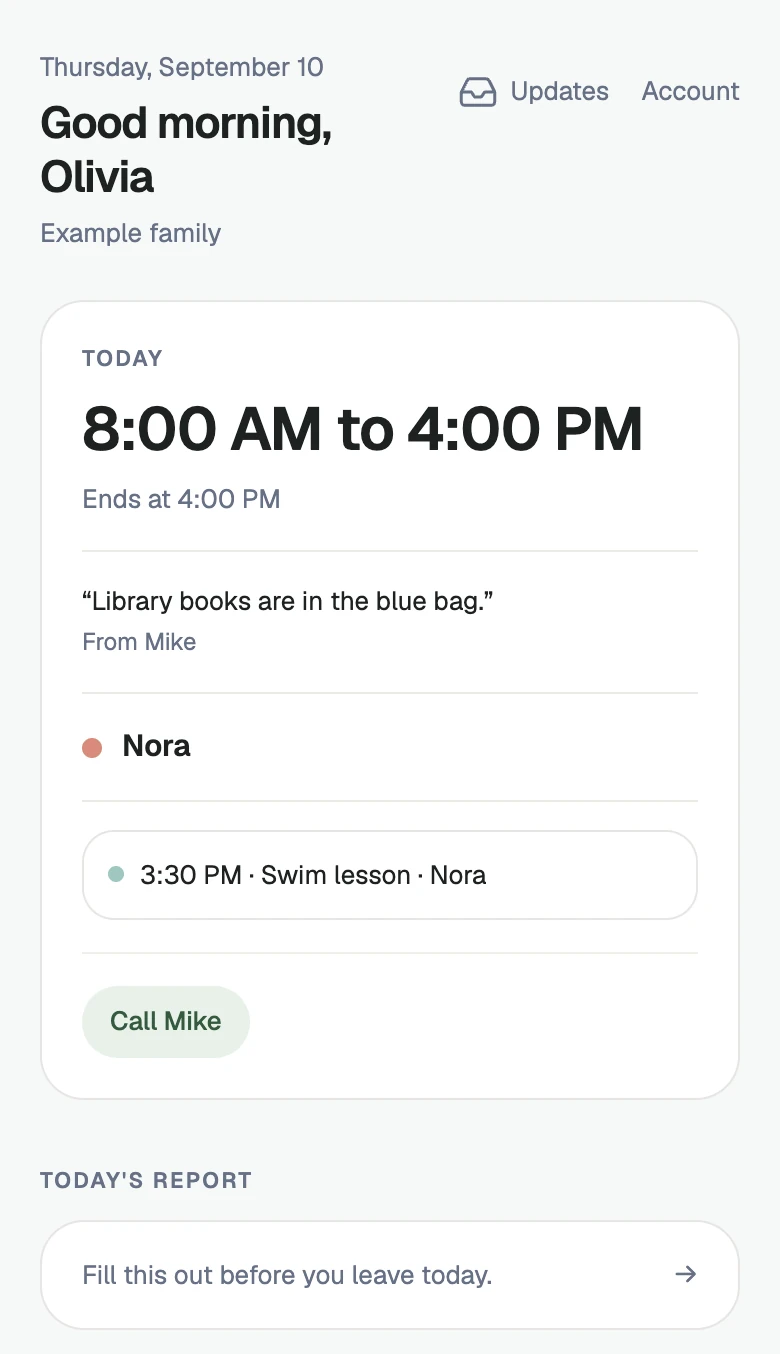
An easier day for your caregiver.
A caregiver can join Milava or simply open a schedule link.
| Caregiver access | In the app | Just a link |
|---|---|---|
| Their schedule | ✓ | ✓ |
| Shared care notes | ✓ | ✓ |
| Emergency contacts | ✓ | ✓ |
| Respond to coverage asks | ✓ | — |
| A daily report to the parents | ✓ | — |
| Saved allergy fields | ✓ | — |
| No account or app needed | — | ✓ |
More about caregiver access
The link opens in a browser without an account or app.
Caregivers never need their own subscription.
They can read your shared notes and handoff reminders, then send a daily report for you to read in Milava.
After a family invitation is accepted, a caregiver can sign in to see their own schedule and hours, family-authored Care notes, allergies, and emergency contacts.
The read-only link shows the caregiver’s schedule, shared care notes and emergency contacts. Saved allergy fields are not included in that link.
- Find the gapWednesday · NoraNeeds care10:00 AM to 12:00 PM
- Choose your people
- Olivia
- Someone you trust
- Who is availableOlivia can help
A gap becomes a next step.
Choose who to ask and the dates you need.
More about finding coverage
A helper’s yes is an offer; the day still needs your confirmation.
When a day needs care, open Coverage or tap Find coverage on the gap. Choose who to ask and the dates you need.
Ask a caregiver in Milava, or share an answer link with someone you trust. They can answer in a browser without an account.
In Coverage → Needs you, confirm the helper. That adds the care to Schedule. If you arrange care separately, add it in Milava too.
Finding the gap is free. Asking for coverage through Milava is Premium.
Less piecing it together.
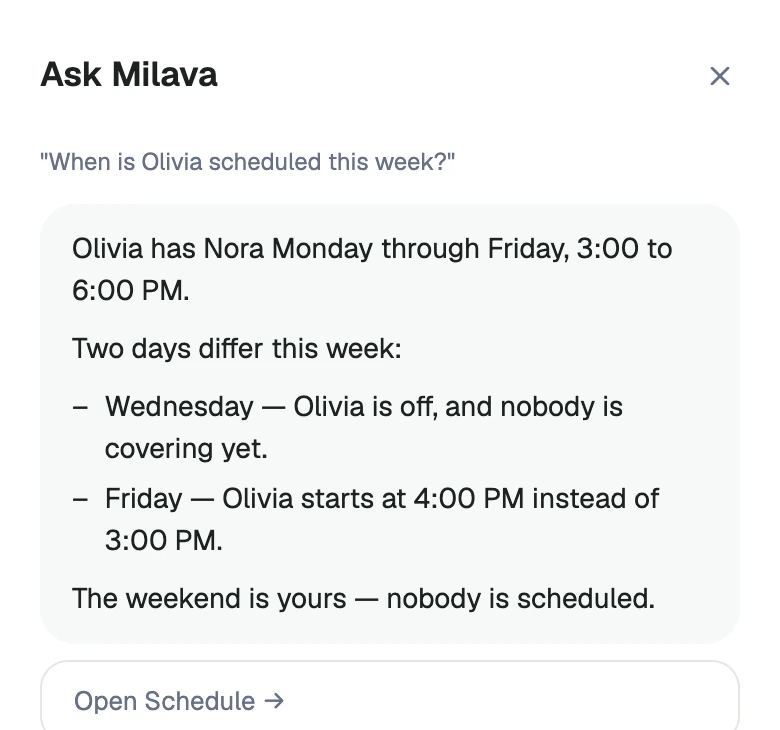
Ask about the plan in plain words.
- How many hours did Olivia work this week?
- Any gaps in the next two weeks?
- Is Olivia working tomorrow?
More about Ask
When optional AI features are on, a parent can ask Milava about the family schedule.
Free includes 20 questions or plain-words adds per household each month. Premium adds more questions and longer recall.
If the plan changed in real life, update Schedule first. The answer can only be as current as the family plan it reads.
Your plan, alongside your day.
Subscribe to Milava in Apple Calendar or Google Calendar for free.
More about calendar subscriptions
Make changes in Milava. Your calendar refreshes on its own schedule, so updates can take time.
Treat the private calendar address like a password because anyone with the link can read the schedule events it carries.
Common questions
What is Milava?
Milava is a family childcare coordination app for parents and the people they already trust with their kids.
Does a caregiver need the app?
The link opens in a browser without an account or app.
Can Milava appear in Apple or Google Calendar?
Make changes in Milava. Your calendar refreshes on its own schedule, so updates can take time.
What is free, and what needs Premium?
Finding the gap is free. Asking for coverage through Milava is Premium.