In the app
After a family invitation is accepted, a caregiver can sign in to see their own schedule and hours, Care notes the family wrote, allergies, and emergency contacts.
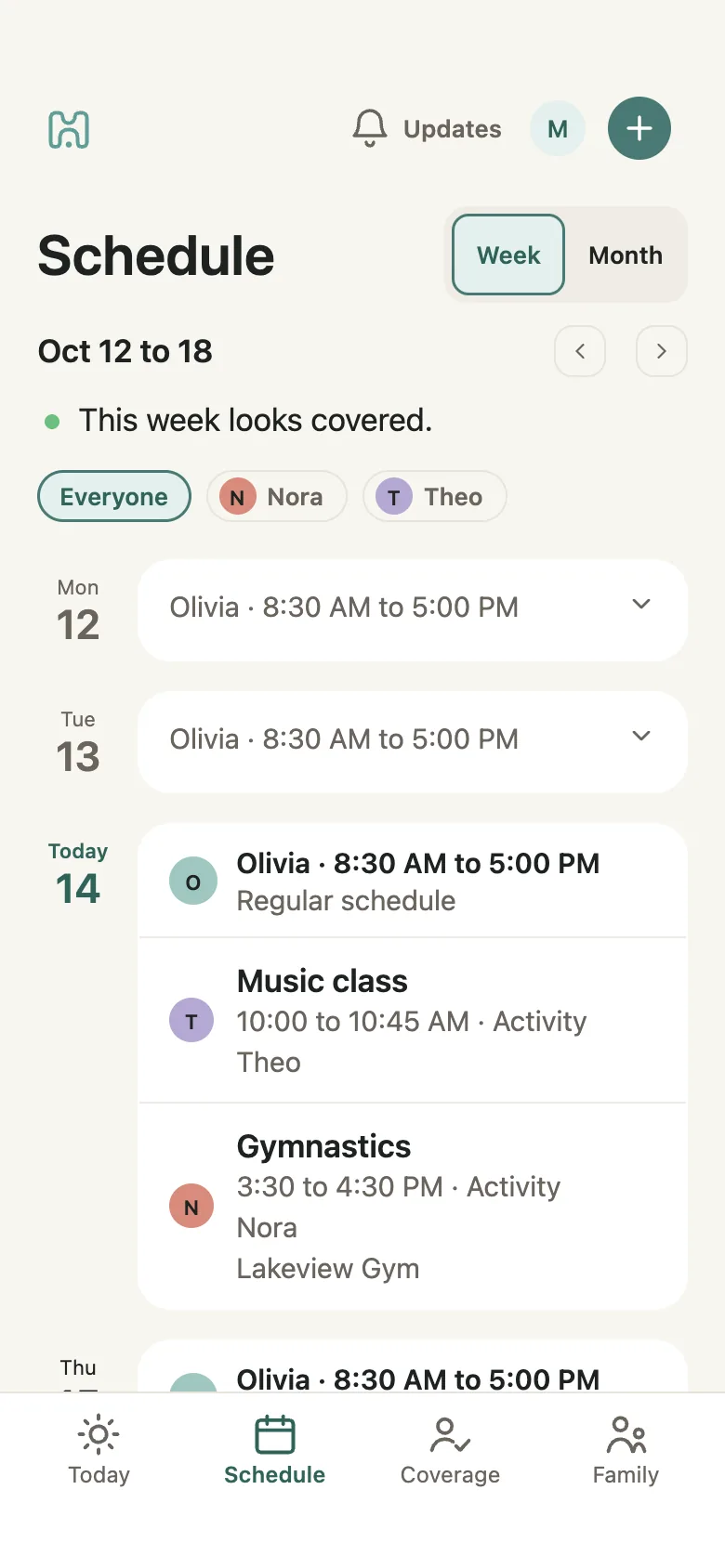
A useful shared schedule makes the regular pattern, exceptions, responsibility, and day-of-care context easy to find.

Add a regular caregiver schedule, then record a shift, day off, sick day, unpaid day, or holiday when the week changes.
Illustrated example from the guide
Mike is Nora’s parent. Olivia is Nora’s caregiver.
A caregiver can join Milava or simply open a schedule link. The link opens in a browser without an account or app.
Caregivers never need their own subscription.
After a family invitation is accepted, a caregiver can sign in to see their own schedule and hours, Care notes the family wrote, allergies, and emergency contacts.
The read-only link shows the caregiver’s schedule, shared care notes and emergency contacts. Allergies saved in Milava are not included in that link.
Text a care plan from Messages.
With Milava Premium and a verified US mobile number, text a future caregiver shift, day off or sick day, change the hours on a day, or remove a day you added.
Read the preview, then reply CONFIRM within 10 minutes to apply it, or NO to discard.
Use dates within the next 90 days (up to 14 days off in one text); use the app for recurring plans, activities and pickups.
It should make the regular pattern, exceptions, responsible adult, children involved, start and end times, and day-of-care information easy to find.
No. Caregivers never need their own subscription.
No. Milava coordinates the caregivers a family already trusts. It is not a caregiver marketplace, payroll service, or location-tracking app.