In the app
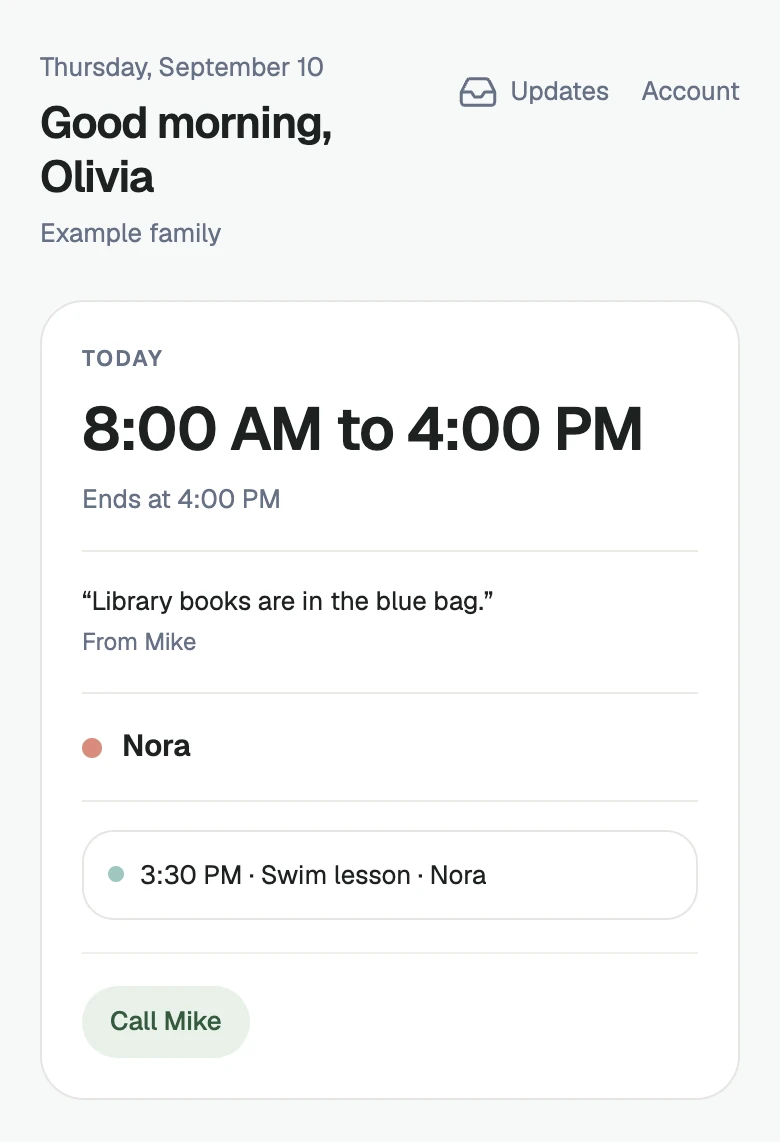
Just a link
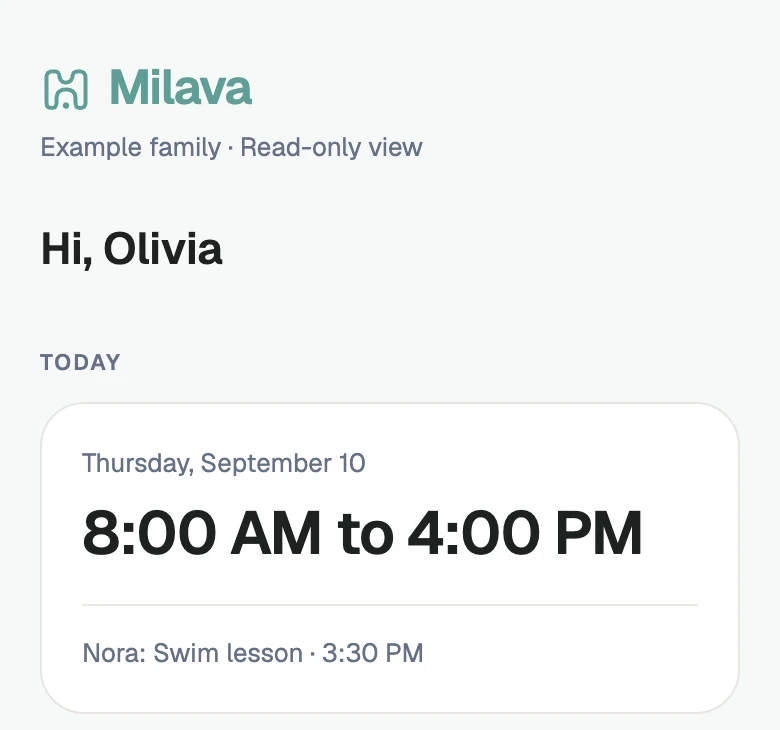
For caregivers
An easier day for your caregiver.
A caregiver can join Milava or simply open a schedule link.
More about taking part
The link opens in a browser without an account or app.
Caregivers never need their own subscription.
After a family invitation is accepted, a caregiver can sign in to see their own schedule and hours, family-authored Care notes, allergies, and emergency contacts.
The read-only link shows the caregiver’s schedule, shared care notes and emergency contacts. Saved allergy fields are not included in that link.
Open Today for the immediate shift, then Schedule for what is ahead.
Today’s Report
Today's Report opens during the final hour of a scheduled shift or after it ends. A caregiver can record the enabled day categories and add an optional note, then send the report for the parent to read in Milava.
A submitted report can be opened and edited from the caregiver view.
Prefer a morning schedule text?
The family asks first. Milava's first message asks the caregiver to reply YES before updates begin. After consent, Schedule text content is limited to the care days and hours already recorded for that caregiver.
Texting is optional. The signed-in caregiver view remains the place to open the full schedule and care information.
This is separate from a parent’s Add by text setup.
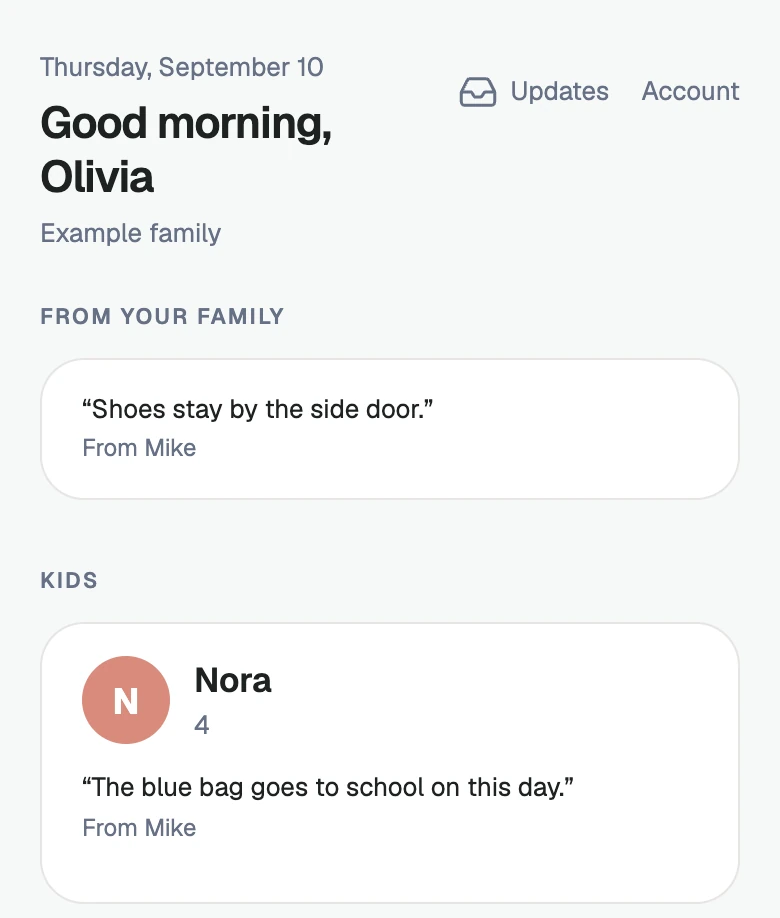
Find notes and contacts.
Care notes are read-only for caregivers.
More about care information
Family-authored Care notes can appear for the household, a child, or the care day. The signed-in Care section also includes allergies, parents, emergency contacts, and special instructions the family added.
They are family context, not a caregiver work diary.
The read-only link shows the caregiver’s schedule, shared care notes and emergency contacts. Saved allergy fields are not included in that link.
Milava coordinates the schedule and care information a family and caregiver share. It is not a location-tracking app, payroll service, or caregiver marketplace.